Working system example · Web and SaaS
Let the work continue after a visitor opens the site.
Explore a fictional service team flow from a public page to a project brief and an internal progress board.
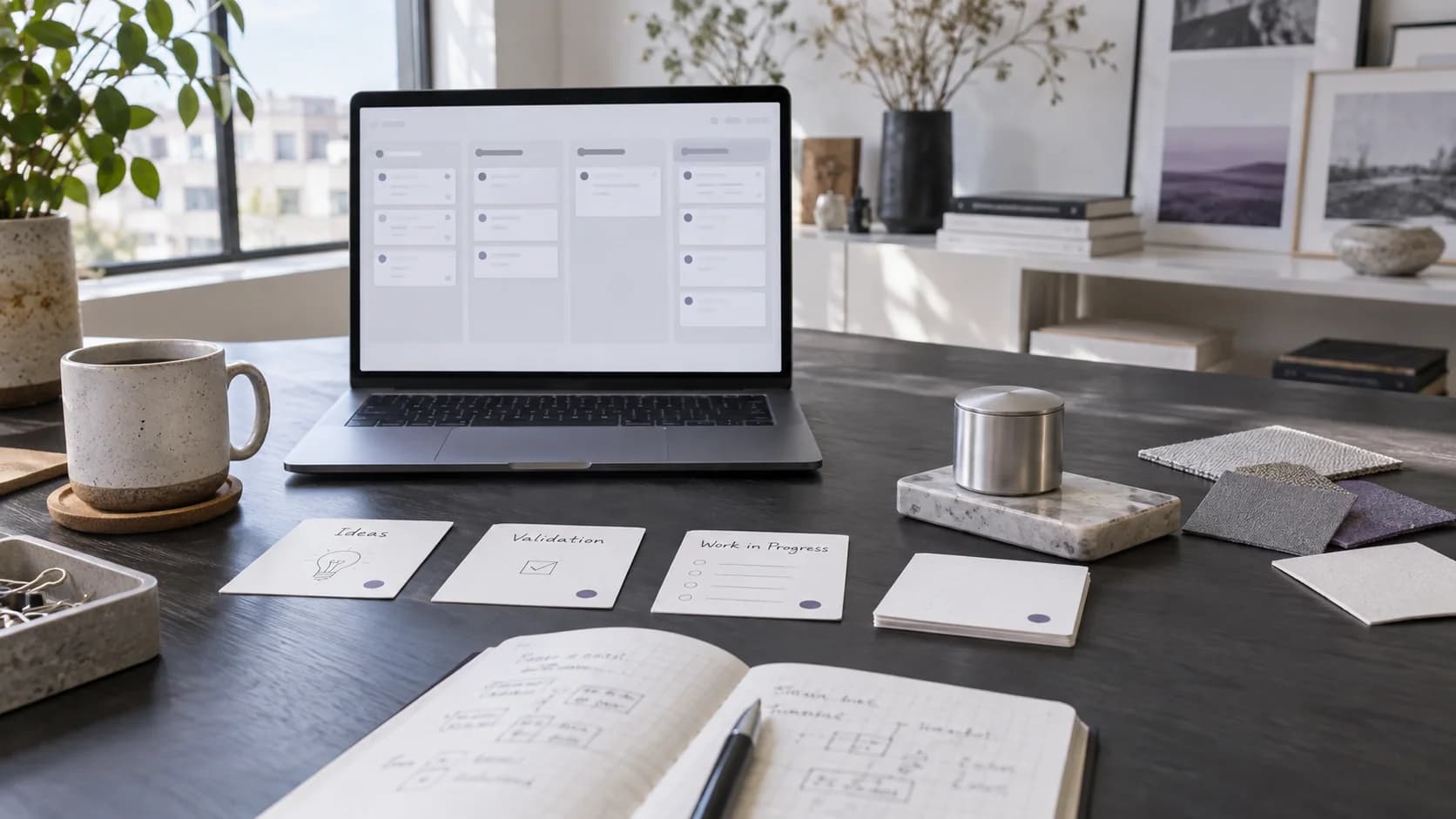
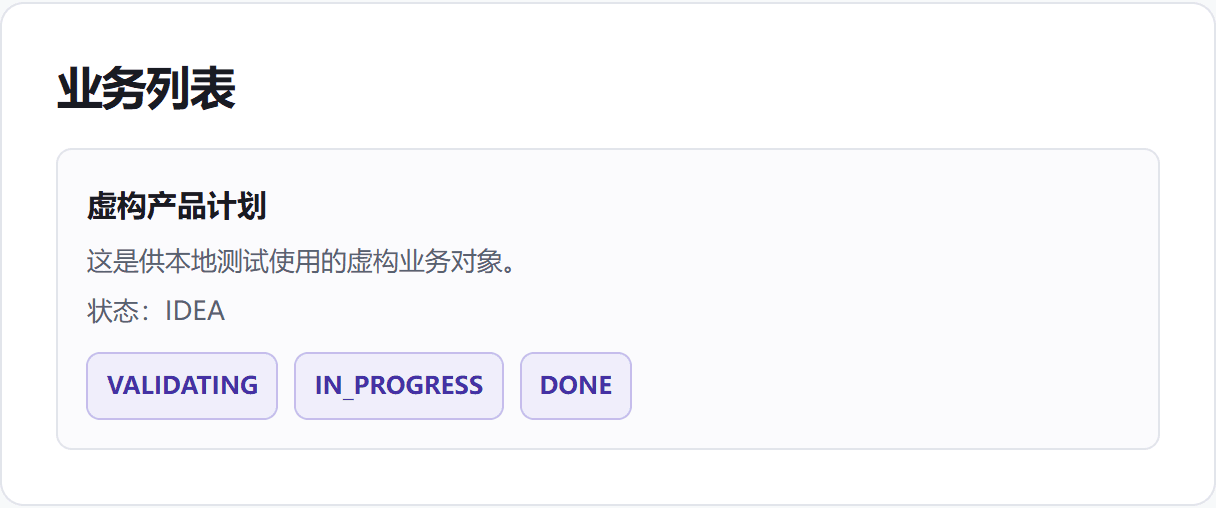 Working prototype screen
From discovery to action
How the system connects
- 01
What visitors see
Clear service information and one obvious way to begin.
- 02
How a brief enters the system
Submit a fictional project brief into an isolated local test session.
- 03
How the team follows up
Review the same record and update its validation and delivery status.
Website example
Artisan cake shop website
A complete storefront example with cake filters, product details, size selection, and contact actions. Open the preview to use the live website.
 Storefront websiteOpen full example
 This demo uses a fictional brand and placeholder contact details to show website design and interaction capabilities.
Working interaction
Try the flow and follow the record.
Use fictional test data only. Create, read, and status updates below use the existing local test database.
Fictional brand · Customer view
Give your next project a clear start.
A minimal example connecting a public site to an operating board. Submit a fictional brief to this test session.
Add one fictional test record
Submit a project brief
Fictional test data only. This page does not accept real bookings or project requests.
Recent session records
The record and its status will appear here after submission.
Fictional test session · Operator view
Project desk
These records belong to this isolated visitor test session. Status changes are saved to the local test database.
Current scope
Test the flow before scoping production.
Working now: create, read, and update project records. Production content management, customer accounts, approvals, payments, and automated messages are outside this example.
Describe my use caseThis is a fictional test prototype, not a delivered client system.