Working system example · Booking operations
Follow a booking from request to resolution.
Explore a fictional studio flow: a customer requests a date, sees its status, and an operator processes the booking.
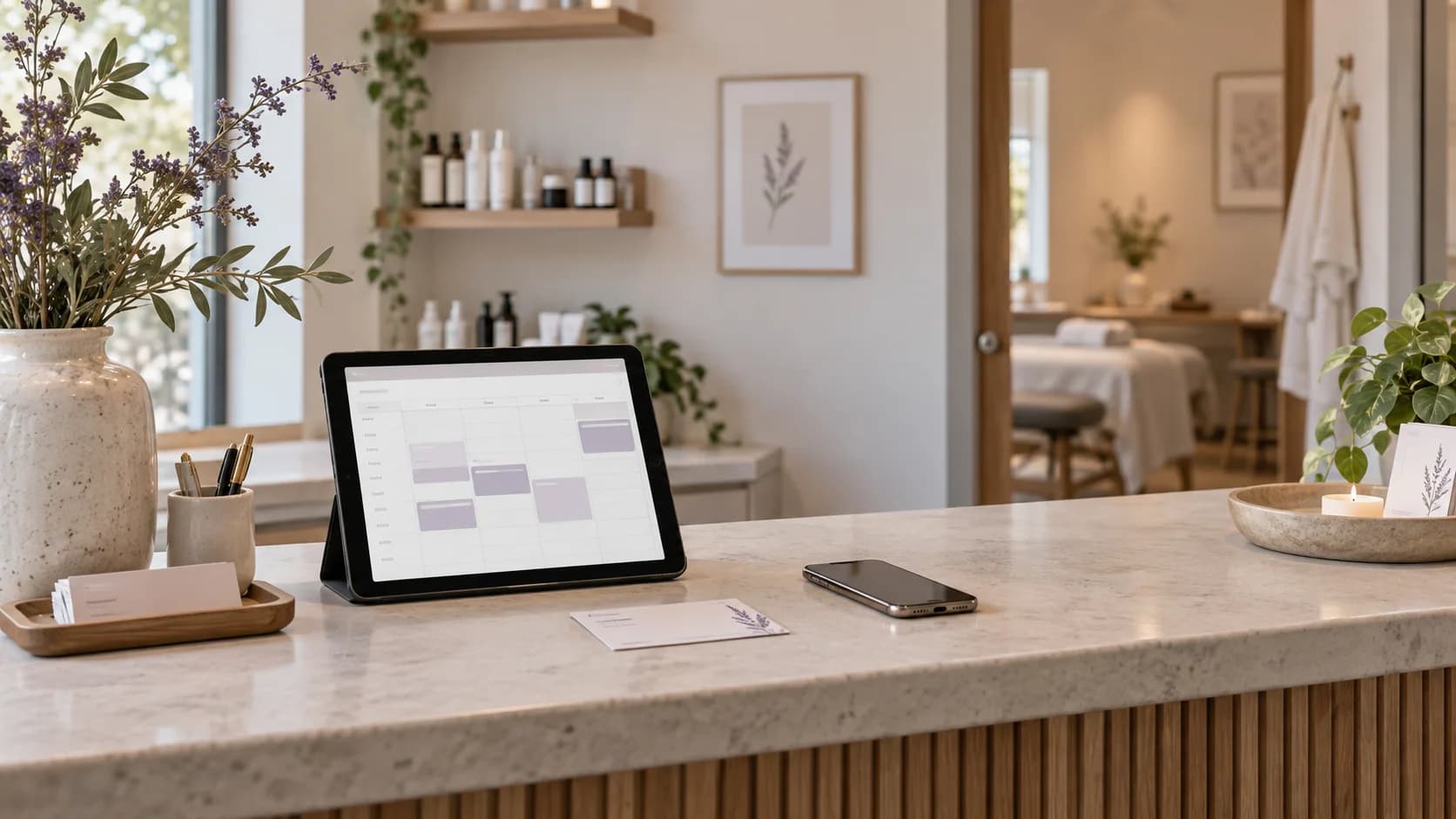
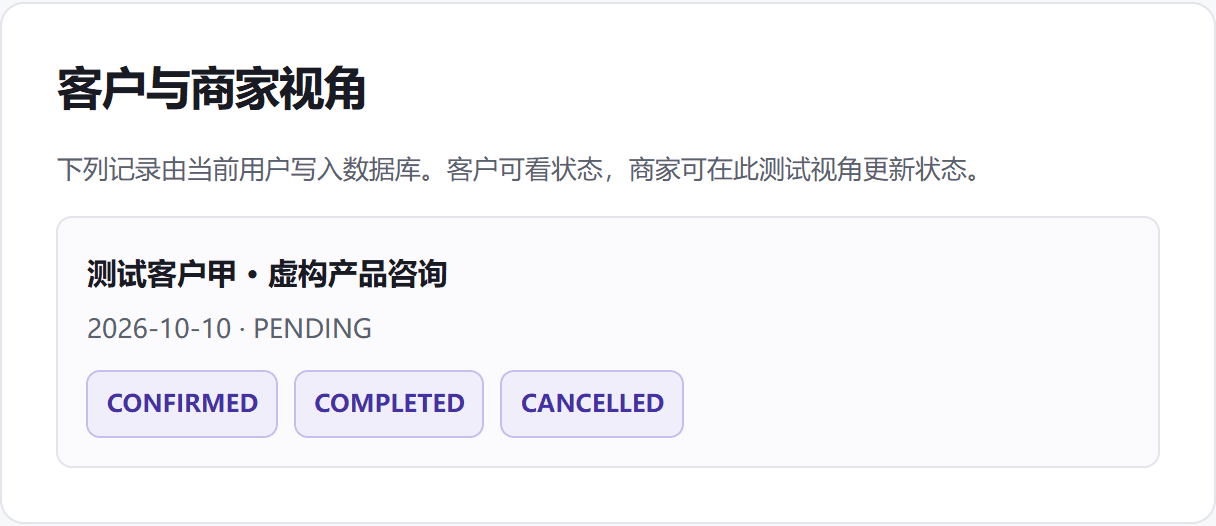 Working prototype screen
From discovery to action
How the system connects
- 01
Customer requests a date
Choose a sample service and date with a fictional name.
- 02
The record reaches the desk
The isolated local session shows one shared booking status.
- 03
The operator follows through
Confirm, complete, or cancel a booking and see the change.
Working interaction
Try the flow and follow the record.
Use fictional test data only. Create, read, and status updates below use the existing local test database.
Fictional brand · Customer view
Request a day that works for you.
This front desk collects a service and date. It does not check real slot availability. Your test record appears below.
Add one fictional test record
Request a booking
Fictional test data only. This page does not accept real bookings or project requests.
Recent session records
The record and its status will appear here after submission.
Fictional test session · Operator view
Booking desk
These records belong to this isolated visitor test session. Status changes are saved to the local test database.
Current scope
Test the flow before scoping production.
Working now: create, read, and update booking records. Time-slot inventory, real merchant permissions, payments, SMS, and calendar sync are outside this example.
Describe my use caseThis is a fictional test prototype, not a delivered client system.